THE NYCTOSTACK TOOLKIT
Explore what Nyctostack
can do.
From your first stacked sky to a moving comet, Nyctostack gives smartphone astrophotographers a simple place to begin—and room to go deeper.
01DSO stacking
Combine multiple frames of deep-sky objects to improve signal and reduce noise.
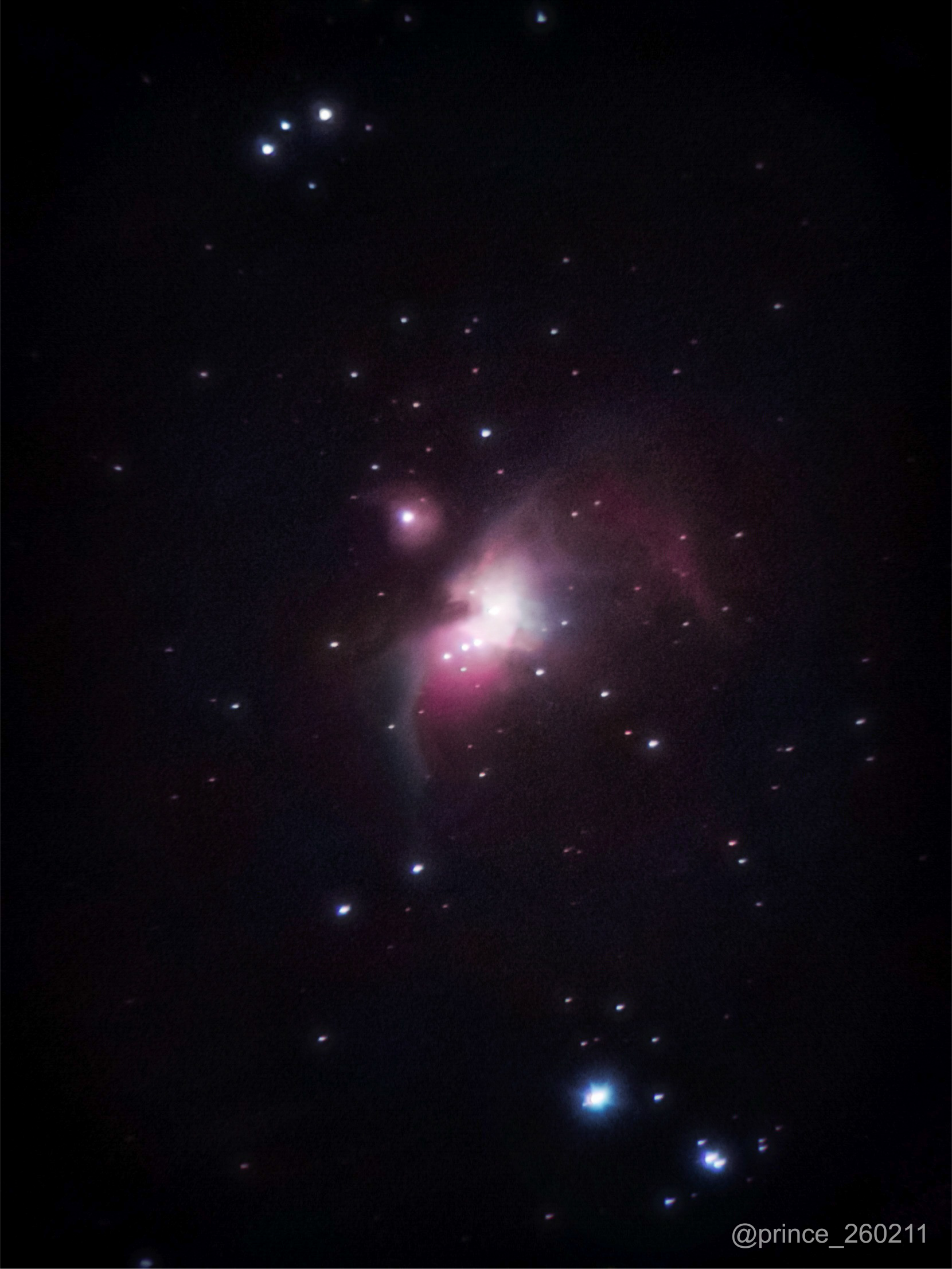
DSO stacking
Combine multiple frames of deep-sky objects to improve signal and reduce noise.
Nyctostack is designed for stacking a sequence of deep-sky light frames captured on a smartphone. It detects useful stars, aligns frames despite small changes in rotation or position, and combines the exposures to improve signal while reducing random noise. This is especially useful for targets such as nebulae, galaxies, and star clusters. The intended workflow is: import RAW/DNG light frames, review the frame set, register the stars, stack the exposures, preview the result, and export it for further editing.
02Nightscape stacking
Stack the sky while preserving the ground and the atmosphere of the scene.
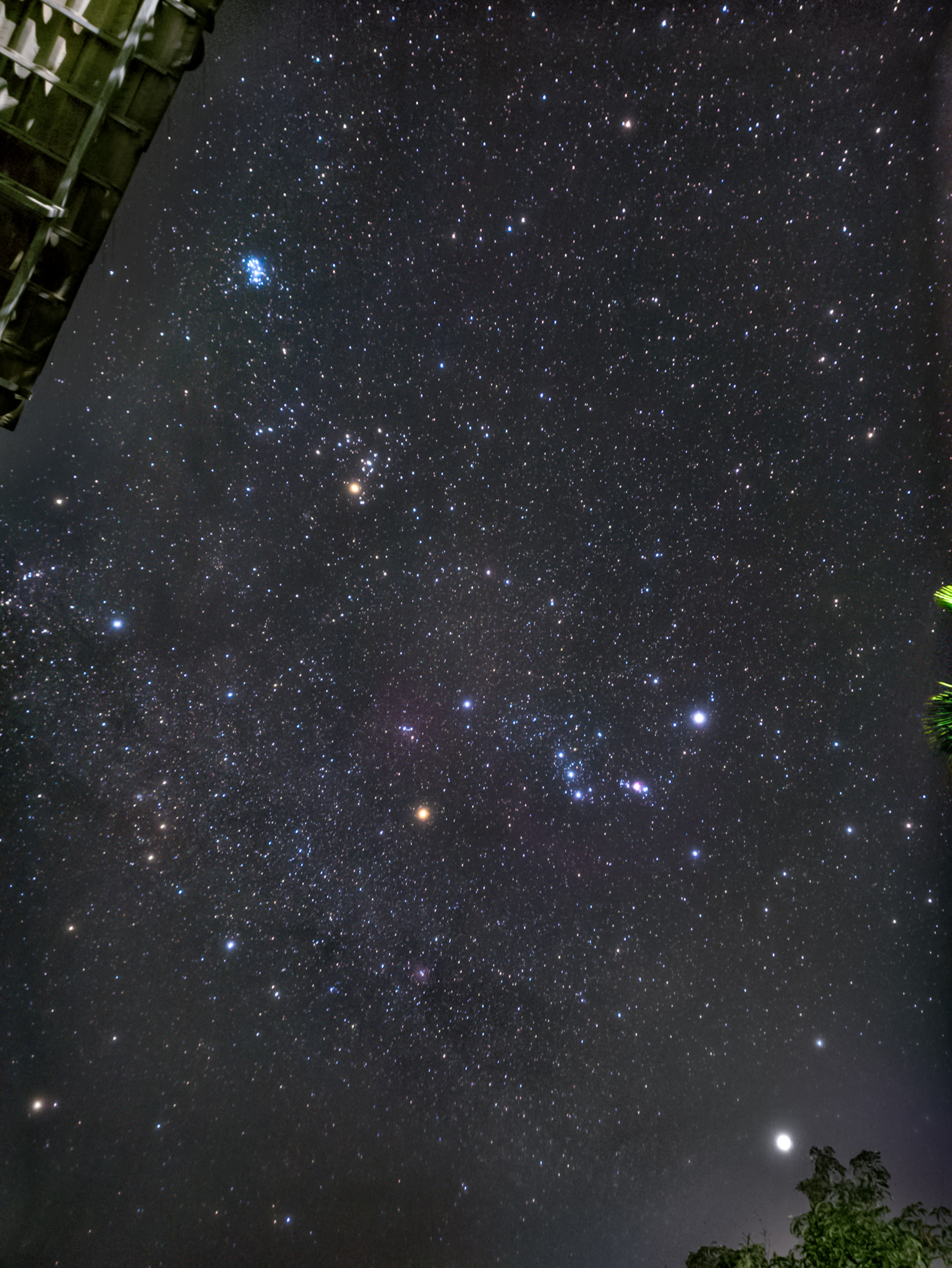
Nightscape stacking
Stack the sky while preserving the ground and the atmosphere of the scene.
Nightscape mode is intended for tripod photographs that contain both a moving sky and a stationary landscape. The sky frames can be aligned to the stars to reveal more detail, while the ground remains tied to the reference composition. This helps preserve mountains, buildings, trees, and foreground detail instead of allowing star alignment to shift the entire image. The mode is particularly useful for Milky Way scenes and long multi-frame nightscape projects.
03RAW / DNG support
Keep more of the information captured by your phone camera.
RAWDNG16-BIT PIPELINE▰ ▰ ▰
RAW / DNG support
Keep more of the information captured by your phone camera.
RAWDNG16-BIT PIPELINE▰ ▰ ▰
RAW/DNG support is important because mobile astrophotography frames often contain more useful highlight and shadow information than a compressed JPEG. Nyctostack is built around selecting and processing the original camera files where the device provides them. The processing pipeline is designed to preserve high-precision image data and provide a high-fidelity 16-bit TIFF export, giving you more room for color, contrast, and noise adjustments in another editor.
04Star trails
Turn a sequence of normal frames into one expressive trail image.
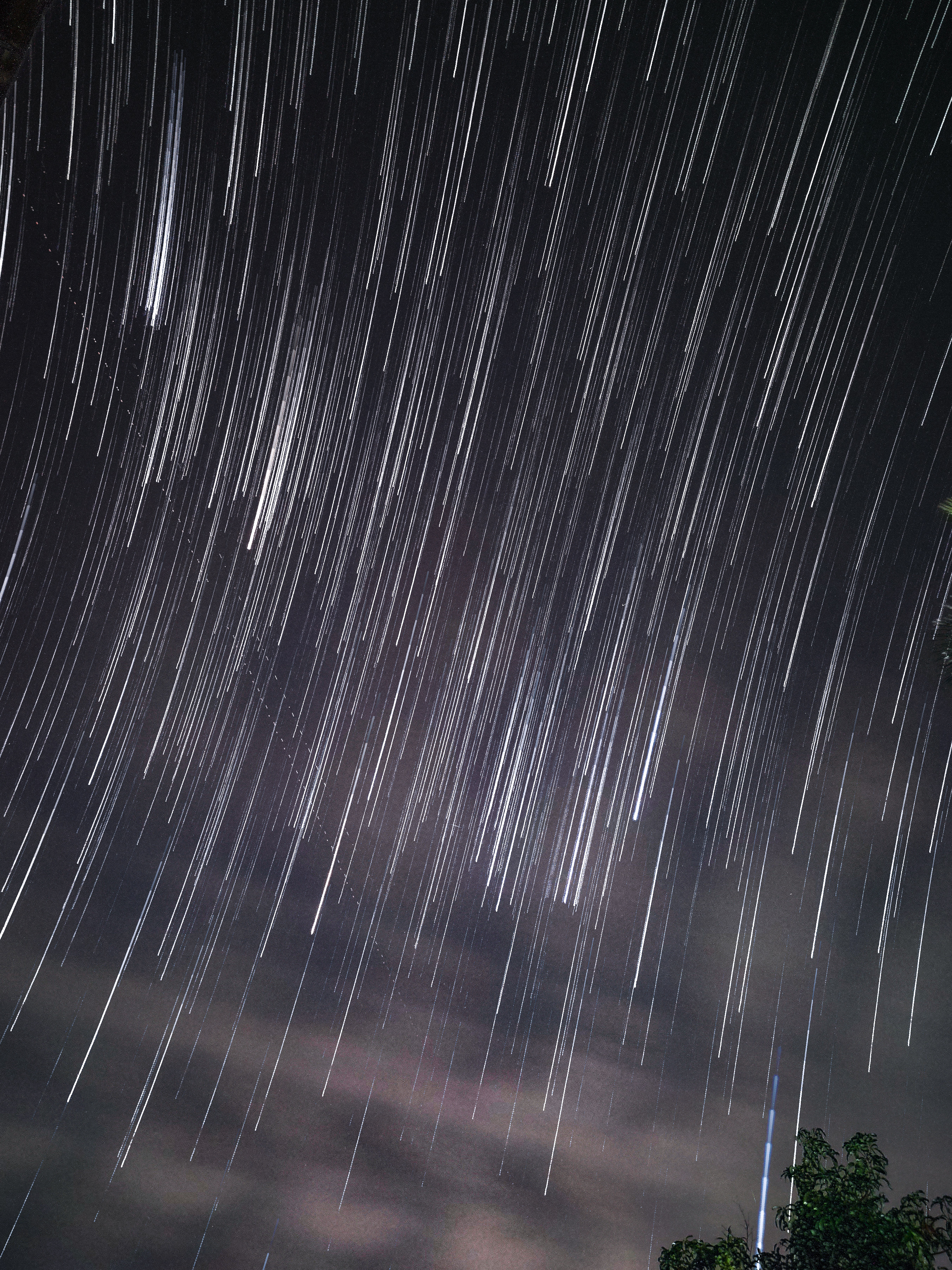
Star trails
Turn a sequence of normal frames into one expressive trail image.
Star-trail mode combines a sequence of ordinary night photographs into one continuous trail image. Instead of requiring a single extremely long exposure, it uses many shorter frames so the camera sensor and phone storage are easier to manage. The mode is suited to tripod sequences aimed toward the north or south sky, and can create circular, diagonal, or sweeping trails depending on the composition and shooting direction.
05Timelapse + comet mode
Create regular night-sky timelapses or a focused comet sequence.
Timelapse + comet mode
Create regular night-sky timelapses or a focused comet sequence.
Nyctostack includes two timelapse ideas. Normal timelapse mode turns a captured sequence or supported night-sky video into a smooth time-based presentation of changing stars, clouds, or landscape light. Comet mode is designed for a moving comet sequence: it emphasizes the comet’s changing position and creates a more intentional sense of direction in the final result. The exact export options can expand as the app’s video pipeline develops.